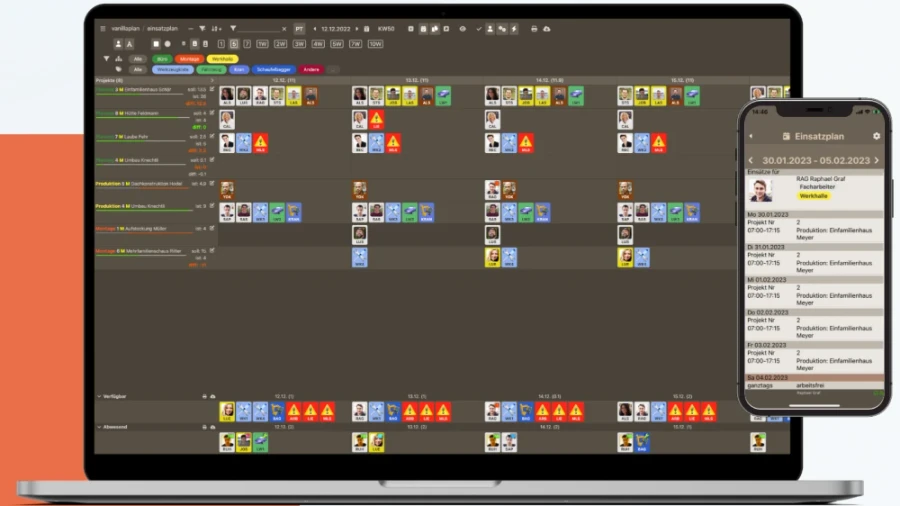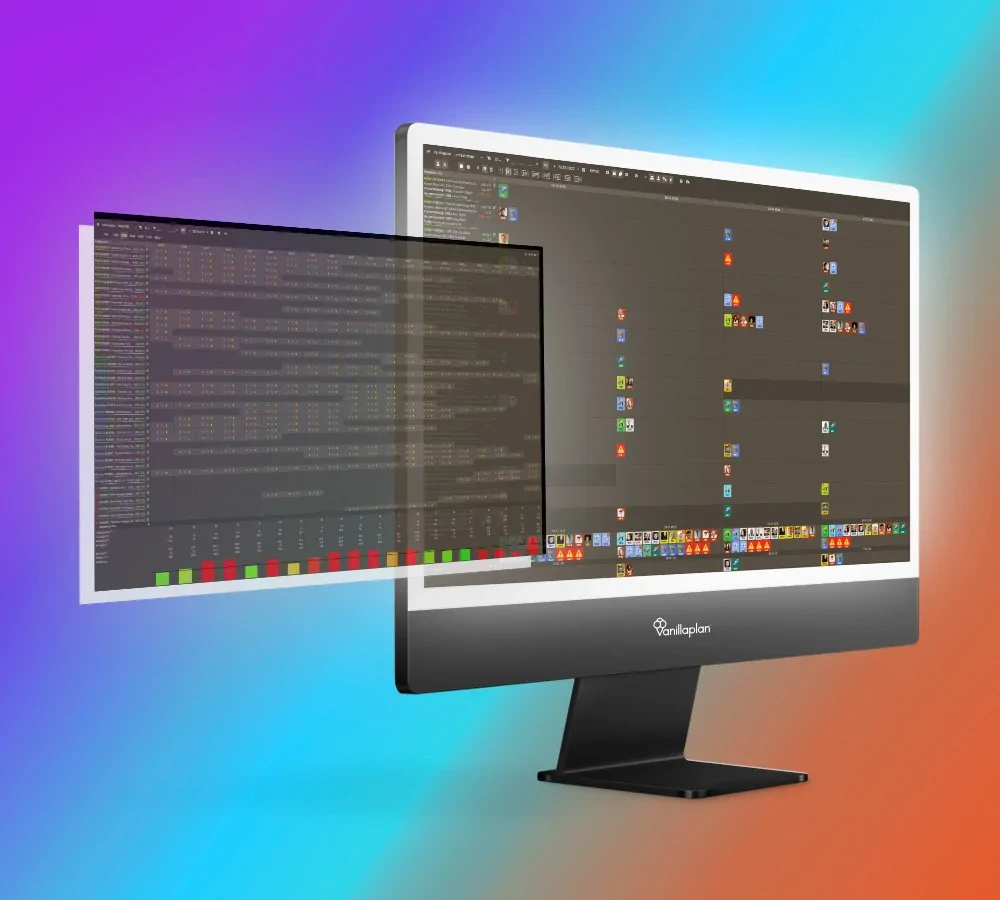

In our last article we looked at why resource planning can make sense and what advantages it offers you and your company planning. Today we will look at exactly how the structure of resource planning in Vanillaplan can look and how it can help you work even more effectively. To this end we gathered a good deal of feedback from our customers - and found it very interesting how differently they structure the Vanillaplan software. Inspired by this, today we would like to present two different ways in which you can work with Vanillaplan. Perhaps it will give you some completely new ideas!
Company department vs. project manager - two alternatives
In principle it can be said that the two models differ in how the departments are set up. Roughly speaking, in the first variant you create the departments to match the company's actual existing departments, and then assign projects and employees to them. Quite intuitive really. In the other variant, by contrast, you name the departments after the project managers, which lets you assign to each of them all the projects and employees they are responsible for. Just as obvious really.
Let us take a closer look at it all:
Company departments: the classic structure
Let us assume the following scenario: your company can be divided into three areas - office, workshop and assembly. You accordingly create three departments with the titles Office, Workshop and Assembly. To the departments you have created you assign your company's phases, for example Planning to the Office department or Production to the Workshop department. Now you divide your projects into the respective phases and schedule your employees and your inventory onto the projects. All in all, then, a hierarchical and clear structure that probably maps your company structure quite accurately.
The advantages of this method are obvious: the structure is very clear and no special assignments have to be made. Thanks to the various filters in deployment planning, all aspects - such as project managers and those responsible - can be viewed separately.
Project managers: keeping an eye on individual utilisation
Let us assume the same scenario: your company can be divided into three areas - office, workshop and assembly. In this case, however, you do not name the departments in Vanillaplan after your company departments but create a department for each project manager (which you can of course additionally label by department for a better overview). So if you have seven project managers in your company, for example, you create seven departments and name them according to the following pattern: Müller Office, Moser Office, Meier Workshop, Schmid Workshop and so on. As in the previous variant - only structured by project manager - you assign the phases, for example Planning to the department Müller Office or Production to the department Meier Workshop. When assigning projects, an advantage now emerges with this variant: because the department is created on the basis of the project manager, you assign to them the projects that concern them as well as the employees they are responsible for.
The advantages of this way of structuring things are also quite obvious here: because projects and employees can be assigned directly to the project manager, they can carry out their planning considerably more easily. After all, they know their employees and projects, and responsibilities are clearly divided.
But this model has advantages not only for deployment planning but also for capacity planning. With the company department variant it is certainly possible to filter by project manager in deployment planning as well, so that they can carry out their planning separately. However, no information about capacity utilisation can be derived in this way, since that can only be read off by department. Because with this variant the departments are created to match the project managers, it is precisely visible how much capacity each project manager still has. If a new project comes along, for example, you can read off who still has capacity and can best take the project on.